Yellow Cursor Collection
780 standard arrow pointers in an Interactive Archive with various color and animation variants.
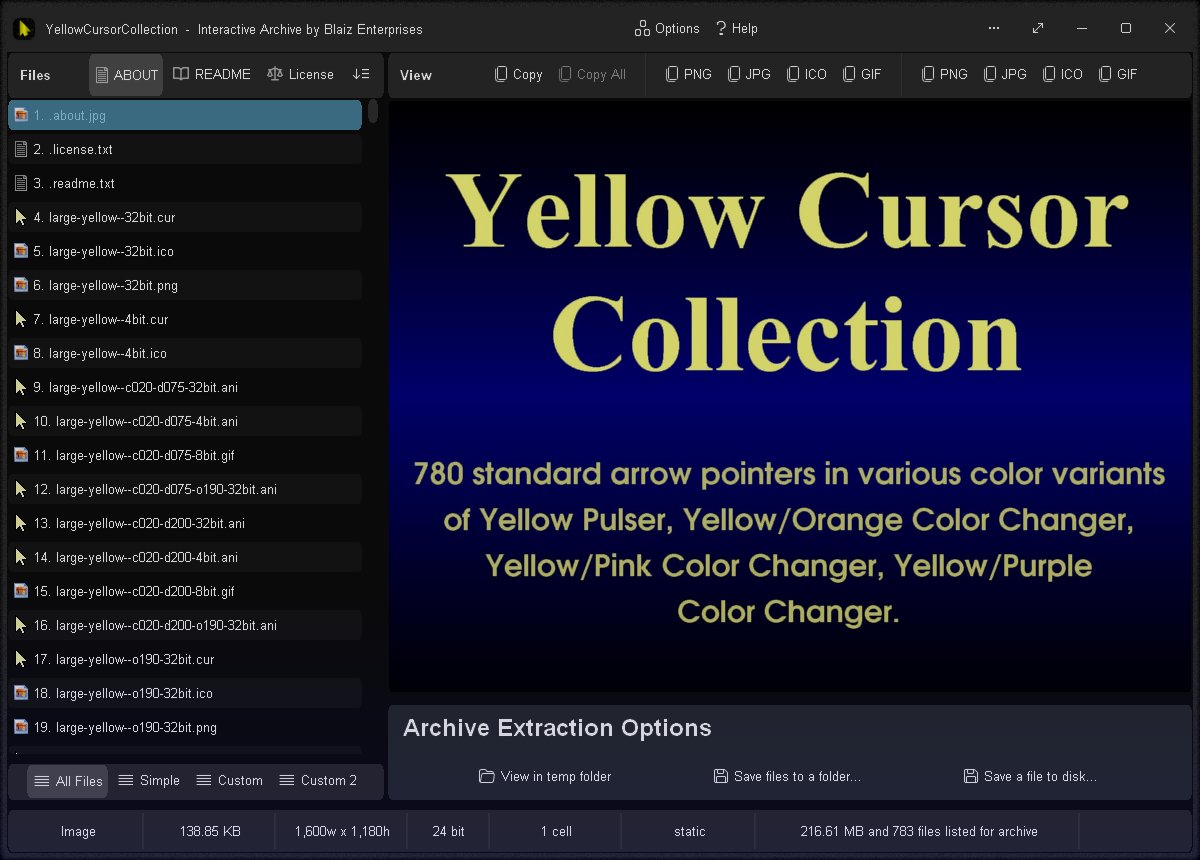
Cursors contained within the Interactive Archive
- Realtime WYSIWYG (What You See Is What You Get) preview panel for viewing cursors correctly at their native size
- Realtime mouse pointer preview - hover over the preview panel to show the cursor at your computer's current size/scaling
- File List Modes: All Files, Simple, Custom, and Custom 2 - set which files to list/extract
- Extraction Methods: View in temp folder (one click fuss free + auto clean up), Save files to a folder, and Save a file to disk
- Cursor Options: Set as Arrow, Set as Hand, Redo, Undo, Mouse Properties (Windows Dialog), and Mouse & Touch (Windows Settings Page)
- Desktop Background Options: Set This Monitor, Set All Monitors (if 2+ monitors), Redo, Undo, and Personalisation (Windows Settings Page)
- Option: On close of app choose whether to discard settings and leave no trace, or keep for next time
- Cursor Styles: Yellow Pulser, Yellow/Orange Color Changer, Yellow/Pink Color Changer, Yellow/Purple Color Changer
- Visual Effects: Sparkles, Vertical and Horizontal Shading, Vertical and Horizontal Scrolling Stripes, Color Cycling, Inverse Color Cycling, Opaque and Translucent, Fast and Slow Animations.
- Animated Formats: Animated Cursor (.ani) and Animated GIF (.gif)
- Static Formats: Cursor (.cur), Icon (.ico) and Portable Network Graphic (.png)
- Color Depths: 32-bit, 8-bit, and 4-bit
- Dimensions: Small 32px (~25% coverage), Medium 32px (~50% coverage) and Large 128px (~45% coverage)
- Options Window - Easily change app color, font, and settings
- Portable
- Smart Source Code (Borland Delphi 3 and Lazarus 2.2/4.4/4.6)
Codebase
- Source code supports both 32-bit and 64-bit
- 32-bit compilation in Borland Delphi 3 (stable)
- 32-bit compilation in Lazarus 2.2 (stable)
- 64-bit compilation in Lazarus 4.4+ (possible/not stable/work in progress)
Information
App Name
Yellow Cursor Collection
Version
2.0.77
Type
Desktop App (Standard Edition)
License
MIT
Status
Release Date
30th August 2026
Portable App
Yes
Code Foundation
4th Generation (Gossamer for GUI)
Operating System(s)
Windows All and Wine for Linux and Mac
SHA256 Checksum
for "yellowcursorcollection.exe"
2BB5DD0DECD36A8C88E56983681F440B52FC74F80D63EA832F2E8DB362EBCD5D
Downloads
Images
Cursors contained within the Interactive Archive
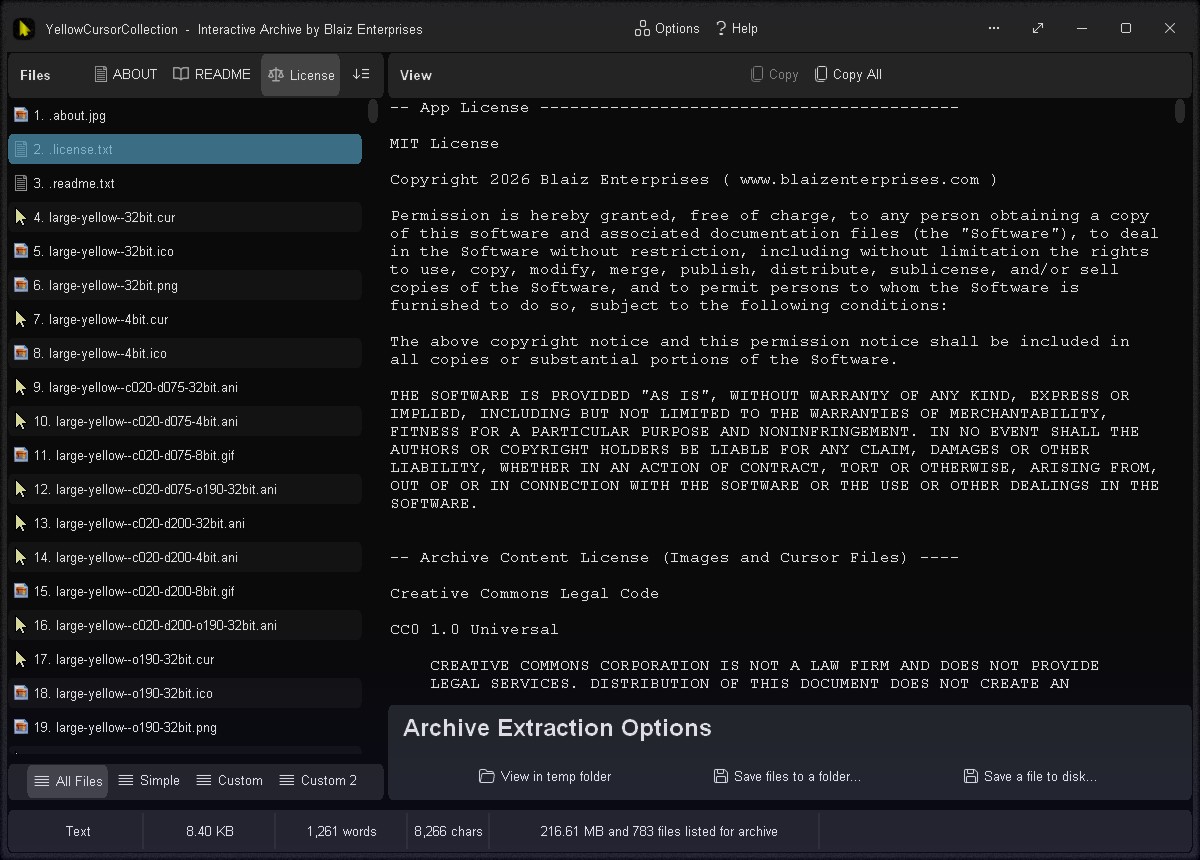
App and Archive content licenses
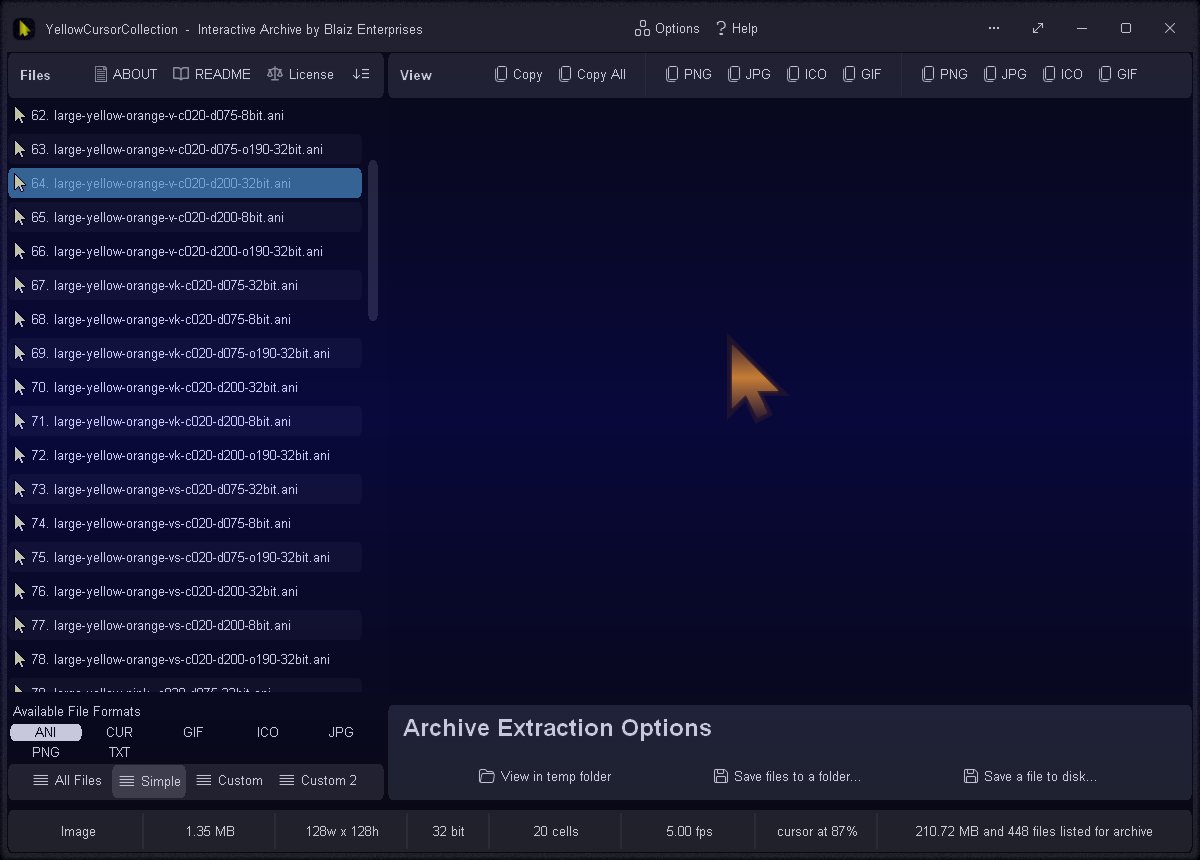
Easily filter which file types to list with the built-in file list mask - for example animated cursors (.ani)
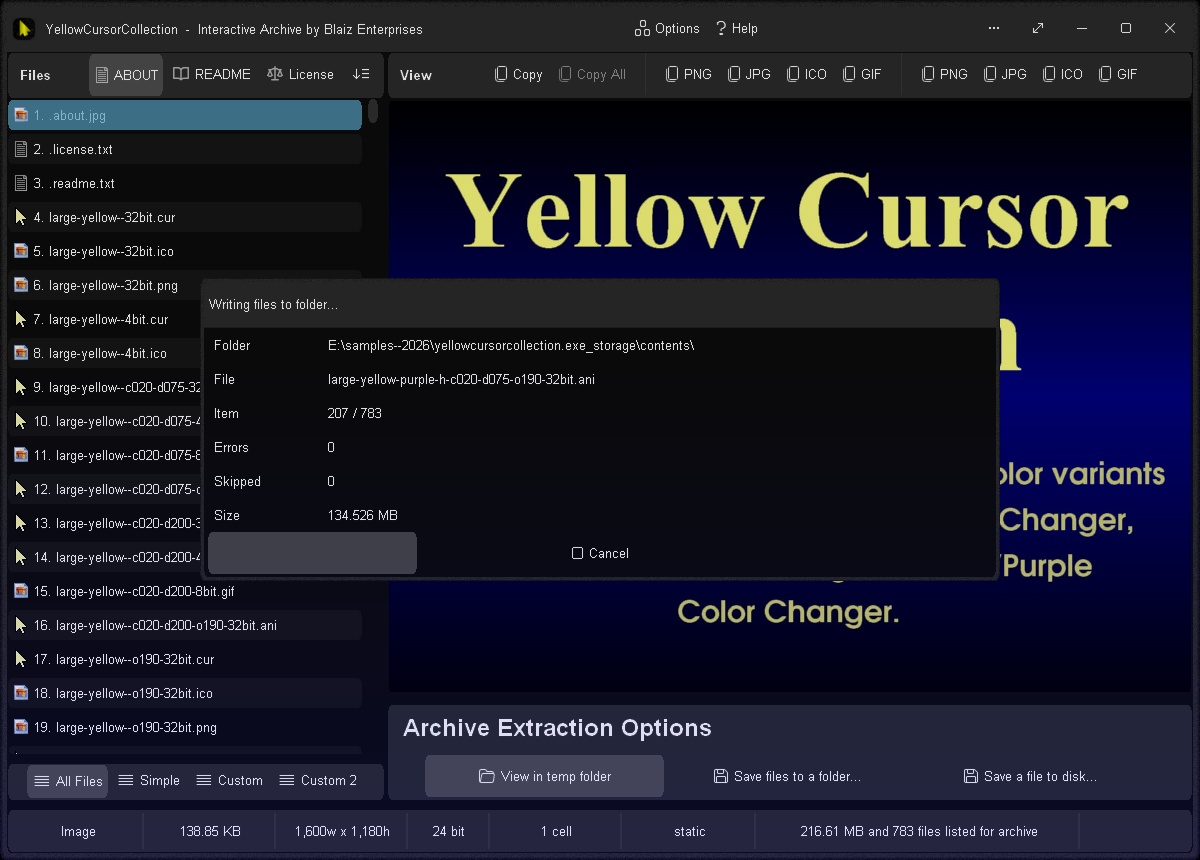
One click option to extract and view files in a temp folder with automatic clean up
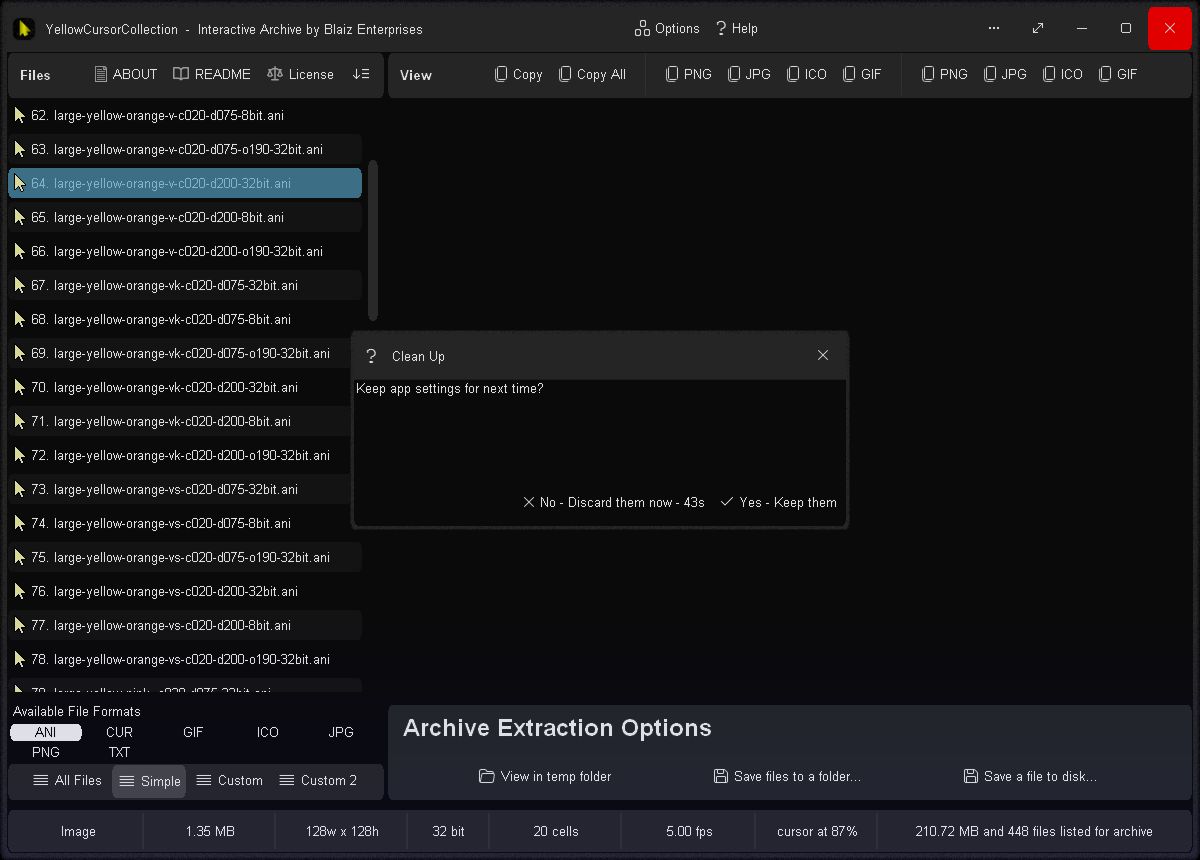
Close the app and optionally choose to discard it's settings and leave no trace behind

Cursors viewed in temp folder
Reference
What makes a portable app special?A portable app is a big leap forward for apps in general. A standard or traditionally engineered app requires a lot of support in the form of libraries, data files, images, scripts, etc and the list goes on. You get the picture. Some portable apps out there still include this bundle of bits, they merely offload it into a local folder. A dump of goodies of sorts.
We tend to see a portable app in quite a different light. Our vision of a portable app is designed tight, clean, free of bloat, and all data where possible is included directly within, structured right into the fabric of the app itself, and designed from the bare-metal up if required.
Though the most important difference between a traditional app and a portable app is that a portable app will not install on your computer. This is extremely important as the installation process is often messy, and can clutter up your computer by dumping a lot of stuff all over the Windows file structure and registry, and over time may slow down and decrease the overall performance of your computer.
A portable app will not do this, which keeps your computer clean and running smooth and fast as it should. Unfortunately most software is not designed with portable in mind. They're more akin to a large leaky box of bits than tight engineering. And because a portable app is not installed on your computer, it runs outside the normal scope of the operating system, and is not locked down or tied to it. And thus can be moved about, from disk to disk, or computer to computer.
Typically a portable app will reside on a USB pen stick, removable media, or in a special folder on a portable hard disk. This makes it easy to take from one computer to the next, and use over and over. An immensely valuable freedom, and something an installed app can only dream of.
But a serious technical hurdle must be overcome for a truly portable app to be free. And that is the humble setting. Yes, a portable app must be able to handle it's settings on it's own. It must be able to read them from disk, filter them, check and correct them where required, and write them back to disk. All without the help of the Windows' registry or other operating system dependent structures.
An installed app typically can't or won't do this. Instead, it relies on Windows and the registry to manage it's settings and other important data sets for it. It therefore takes a higher degree of technical competence to escape this "tied to the operating system" situation.
Here is our current standard for a portable app:
- Require no installation or setup
- Require no additional DLL libraries to run and perform it's core function
- Make no alteration to the host operating system, or its settings, files, libraries or core functions, or the Windows registry, unless it forms a part or a whole of the app's core function, and then, only when initiated by the user
- Be able to run "out of the box"
- Require no compiling, conversion, installation or setup of support structures in order to execute, except for when such an environment constitutes an execution enabling environment, such as a command translation service like Wine
- Be free of zipped or otherwise externally bundled blob structures containing folders, files and bits
- Operate on less powerful hardware to facilitate operation on a broad spectrum of computers
- Less demanding API landscape to facilitate execution on a broad range of operating systems and software translation environments
- Require no special software libraries be present in order to run, such as .NET or JAVA, unless typically pre-installed on the target operating system or execution environment
- Not require an internet connection to run, unless the connection is required to fulfill the app's core function, such as a web server
- Require no downloads, addons, or registration in order to run
- Provide help and documentation offline via a built-in viewer, or by limited external means, such as Notepad
- Be self-contained with all necessary files, data sets, and samples stored within it's internal structure, such that access be provided preferably through direct enabling mechanisms
- Store, hold and manage external app settings and user data in a local sub-folder, and that sub-folder be easily identifiable as belonging to the app
- Provide a mostly consistent appearance and experience to the user across the widest possible range of operating systems and execution environments
- Value backwards compatibility, and be able to actively make use of that older hardware and software
- Possess a compact, bloat-free footprint
⏶MIT LicenseCopyright 2026 Blaiz Enterprises (
www.blaizenterprises.com )
Permission is hereby granted, free of charge, to any person obtaining a copy of this software and associated documentation files (the "Software"), to deal in the Software without restriction, including without limitation the rights to use, copy, modify, merge, publish, distribute, sublicense, and/or sell copies of the Software, and to permit persons to whom the Software is furnished to do so, subject to the following conditions:
The above copyright notice and this permission notice shall be included in all copies or substantial portions of the Software.
THE SOFTWARE IS PROVIDED "AS IS", WITHOUT WARRANTY OF ANY KIND, EXPRESS OR IMPLIED, INCLUDING BUT NOT LIMITED TO THE WARRANTIES OF MERCHANTABILITY, FITNESS FOR A PARTICULAR PURPOSE AND NONINFRINGEMENT. IN NO EVENT SHALL THE AUTHORS OR COPYRIGHT HOLDERS BE LIABLE FOR ANY CLAIM, DAMAGES OR OTHER LIABILITY, WHETHER IN AN ACTION OF CONTRACT, TORT OR OTHERWISE, ARISING FROM, OUT OF OR IN CONNECTION WITH THE SOFTWARE OR THE USE OR OTHER DEALINGS IN THE SOFTWARE.
⏶


 yellowcursorcollection.exe (14.37 Mb)


 Contact Us
Privacy Policy
Contact Us
Privacy Policy